
My go-to memory-keeping tools—from Chatbooks and Artifact Uprising to video apps, digital frames, and audio keepsakes—plus how I choose what’s worth saving without overwhelm.
If you’ve ever thought, “I want to save our memories… but I don’t want another project,” this guide is for you.
This isn’t a list of everything you could use—it’s a curated menu of tools that make it easier to:
get photos off your phone (in a way you’ll actually maintain),
keep videos from disappearing into the void,
create tangible memory “homes,” and
preserve the moments that matter without drowning in options.
The tools, organized by category
1) Photo books + printing
Chatbooks (subscription books)
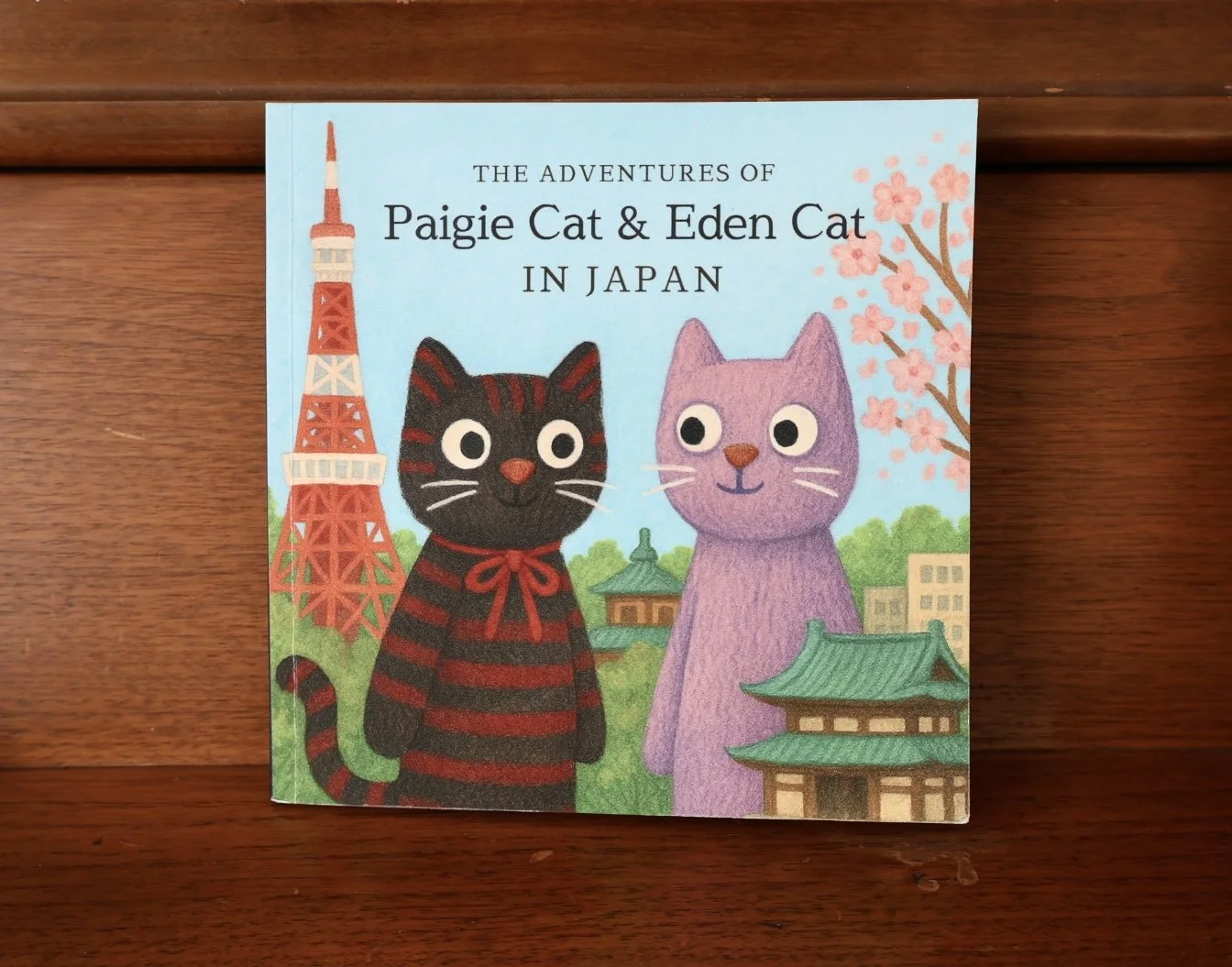
A simple subscription option that’s great for creating small, kid-friendly books and keeping a steady rhythm without needing to design layouts.
Best for: consistency, low effort, “good enough” wins, little hands
Artifact Uprising (premium books + prints)
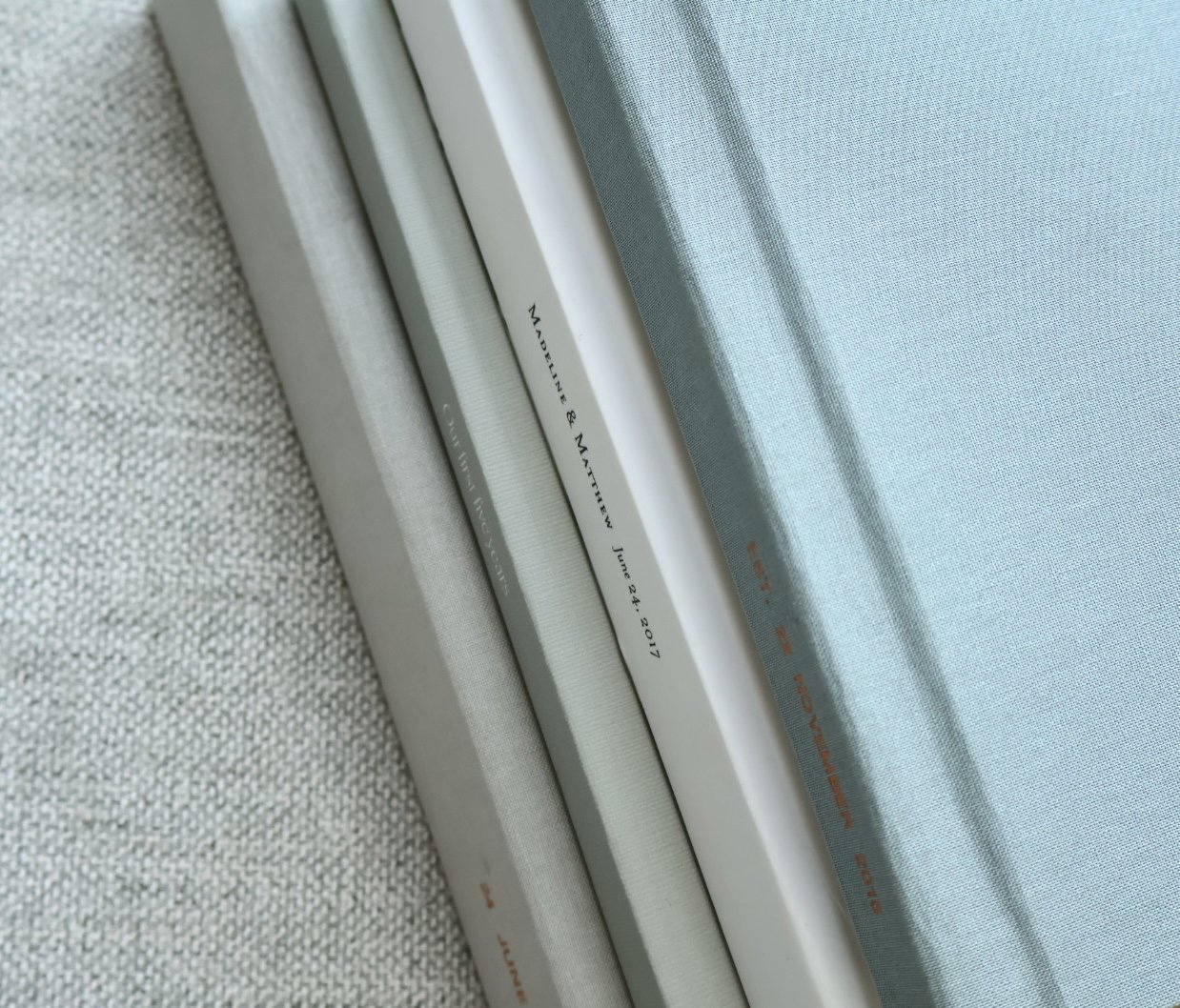
Higher-end books and prints with a more timeless, heirloom feel. They also offer scrapbook-style albums, and similar albums can be found at craft stores like Michael’s.
Best for: milestone albums, elevated photo books, high-quality prints
Printing alternatives (budget-friendly and quick)
If you want fast prints, gifts, or a more budget-friendly option, services like Shutterfly (and others) can be great.
Best for: quick prints, gifting, budget projects
2) Video tools (edit + store + actually watch)
InShot (phone video editing)
Quick and easy video editing directly on your phone—trim clips, combine moments, add text, and turn scattered videos into something watchable.
Best for: simple edits, short highlight videos, phone-first workflow
iMemories (video storage + TV app)
A video storage option that shines because you can use it on your TV, which makes videos easier to relive—not just store.
Best for: organizing videos + watching them as a family (not just saving them)
Lapse (nostalgic filter)
More “memory magic” than organization—Lapse adds a nostalgic look that makes everyday moments feel extra special.
Best for: aesthetic clips, ordinary days that feel like a postcard
3) Digital frames (enjoy photos daily without printing everything)
Aura (digital photo frame)
A low-effort way to make photos part of everyday life again—especially great for grandparents.
Alternative: Skylight
Best for: grandparents, home display, easy reliving
4) Audio keepsakes (because voices are memories too)
Yoto Player (custom audio recordings)
A powerful way to preserve voices and stories through custom recordings—sweet now, priceless later.
Best for: voice memories, bedtime rituals, audio keepsakes kids can grow with
5) Design tools (when you want to “make it cute”)
Canva (graphics + event add-ons)
Helpful for creating podcast cover graphics, episode promos, and memory-related extras like event cards or simple printed inserts.
Best for: simple design, cover graphics, memory-event add-ons
6) The basics: Photos app + iCloud (and what to watch for)
The Photos app + iCloud are the default for many of us. The upside is convenience. The downside is it can quietly become “just keep buying more storage.”
Best for: everyday capture + backup
Helpful next step: build a “keeper” habit so your most meaningful memories aren’t only living in the cloud.
Keepsakes and tangible memory gifts
If you’re looking for meaningful, tangible ways to preserve memories (especially for grandparents), I’ve put together a separate guide here:
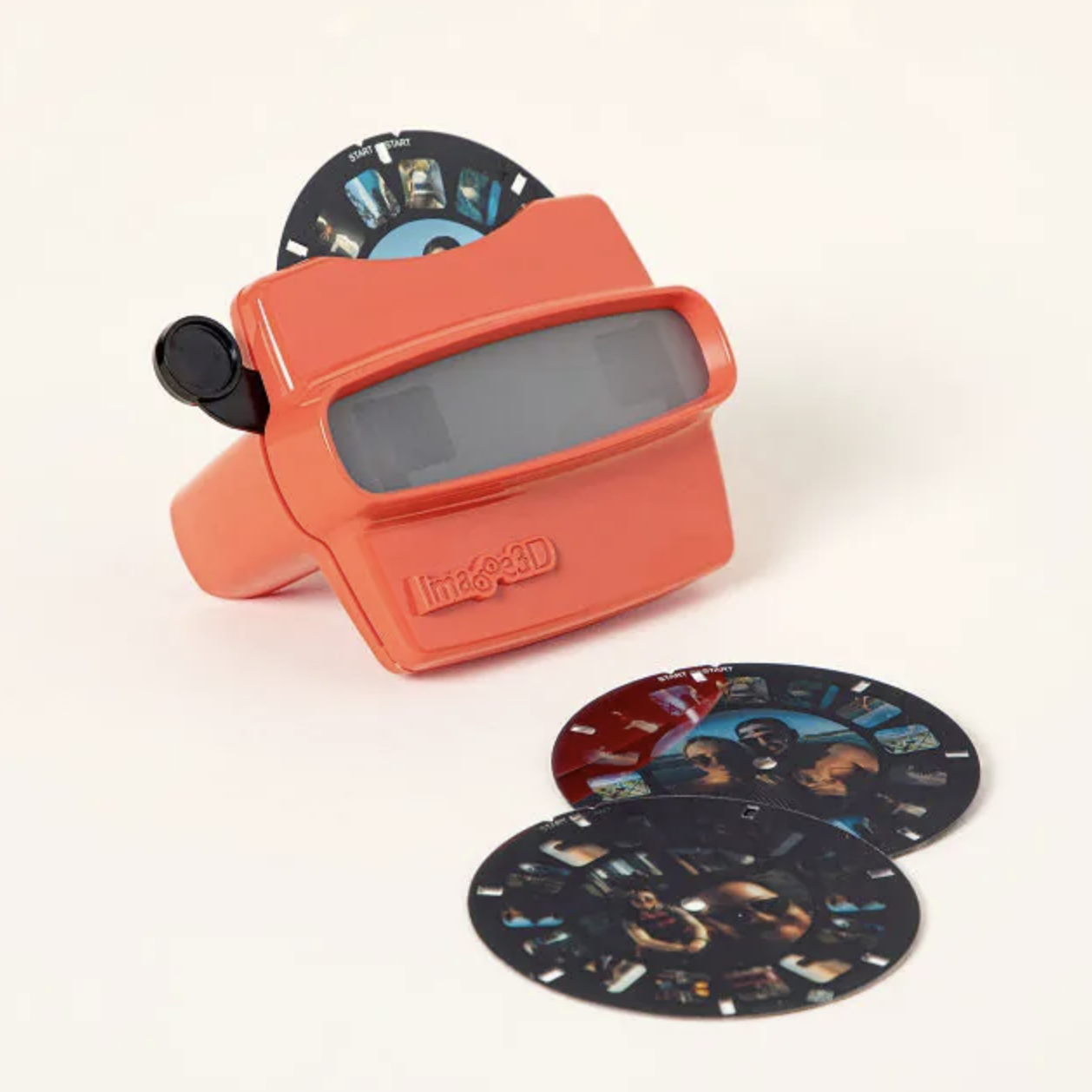
Tangible Memory Gifts Guide
That post is a great companion if you’re thinking: “What do I actually make or give that feels special?”
If you want a simple, sustainable setup
If you’re overwhelmed, here’s a realistic starter combo:
Pick one photo path: Chatbooks or Artifact Uprising
Pick one video path: InShot + iMemories (if videos matter to you)
Pick one “enjoy daily” path: Aura
Add captions to a few key photos so your future self remembers the story, not just the image
You don’t need the perfect system—you need a system you’ll keep using.
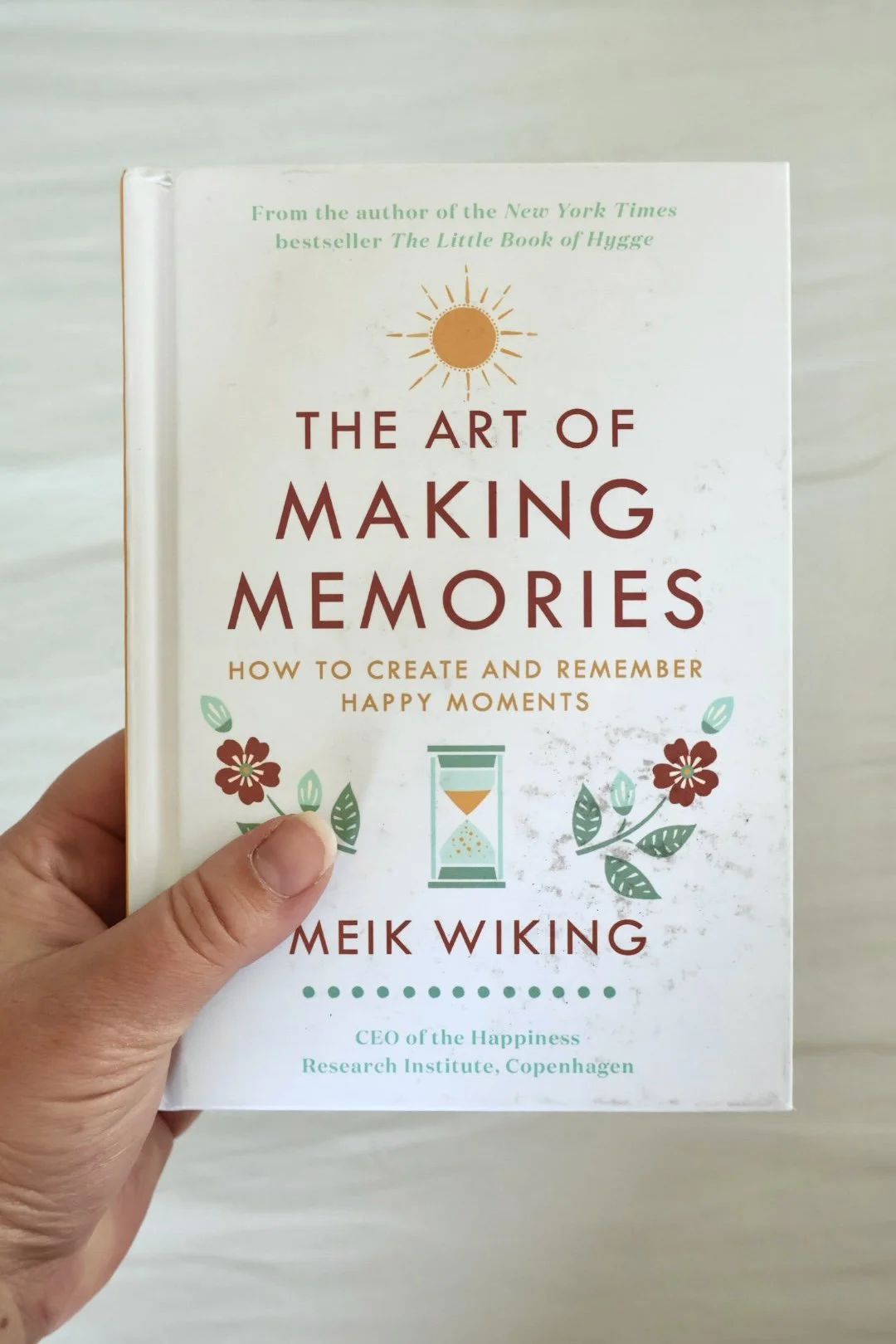
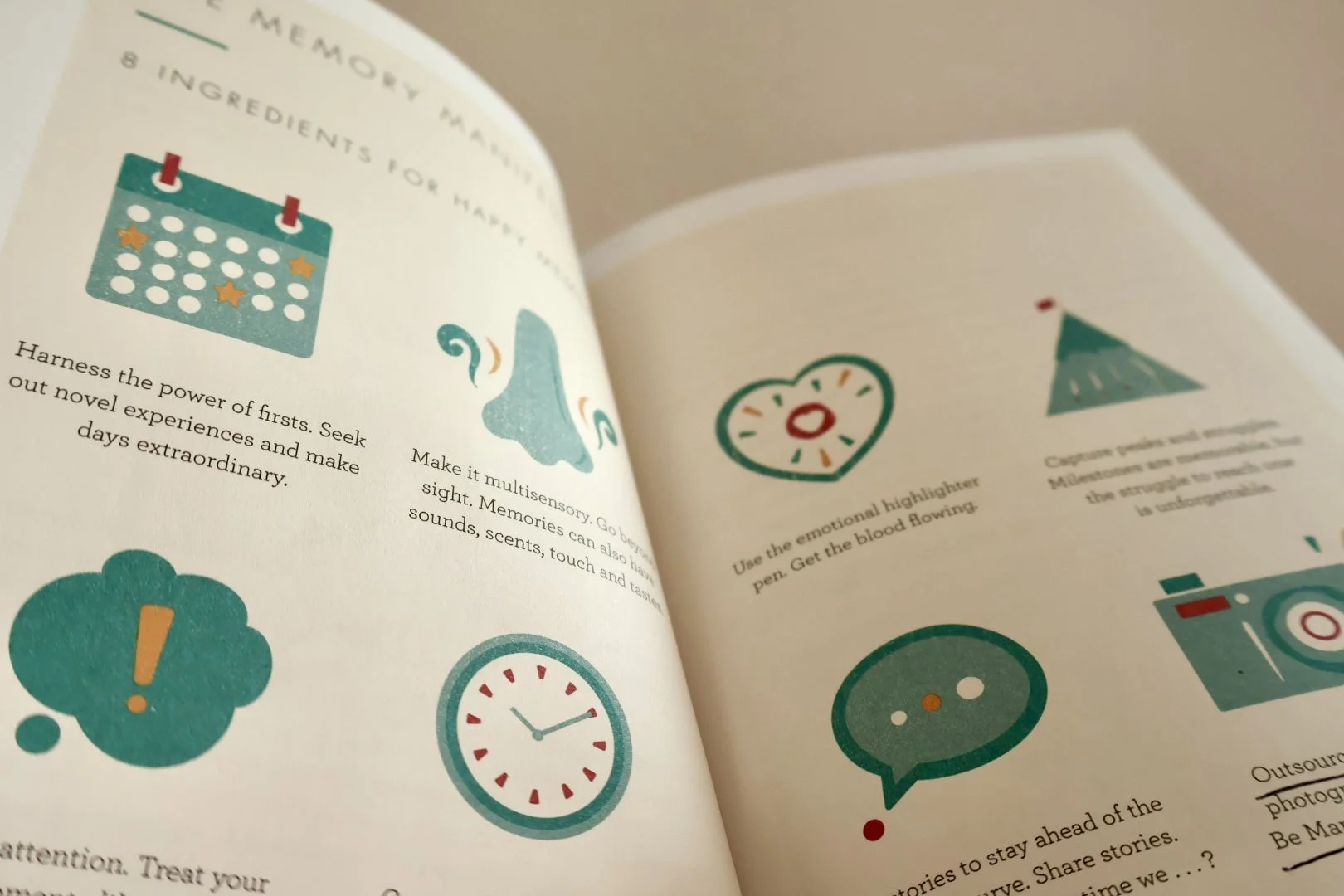

My mom, Donna, on scrapbooking, memory-keeping, and what she's learned helping clean out the homes of people who've passed. Episode 10 of Postcards for Posterity.