
The 4 Photo Book Services I've Used for 15 Years (And When to Use Each)
Here's what I've learned from 15 years and 50+ photo books about which platforms are actually worth your time and money.
I've been making photo books for over 15 years.
Not as a one-time experiment — as a way of documenting life and preserving memories. I'm a graphic designer who specializes in layout design, so I evaluate these platforms with a trained eye. But I'm also a busy mom with thousands of photos on my phone, so I need systems that actually work in real life.
I've made 50+ photo books across four different platforms. I know which ones hold up, which I return to, and which I've abandoned. Most "best photo book" posts test each service once. This isn't that. This is 15 years of lived experience—which books survive toddler handling, which platforms I keep using, and which match different needs. Here are the four I use (click each to jump to the section):
Blurb – My first love, professional designer's tool, been using for 15 years
Artifact Uprising – When I want heirloom quality and simplicity (and can justify the cost)
Chatbooks – My current go-to for volume and ease (Instagram integration and straightforward and constrained layout options are really helpful)
Shutterfly – Not my style, but my mom loves it (and there's something to that) – I primarily use for their photo presents like ornaments
Let me show you when to use which. You can also skip to:
Blurb (My 15+ Year Relationship)
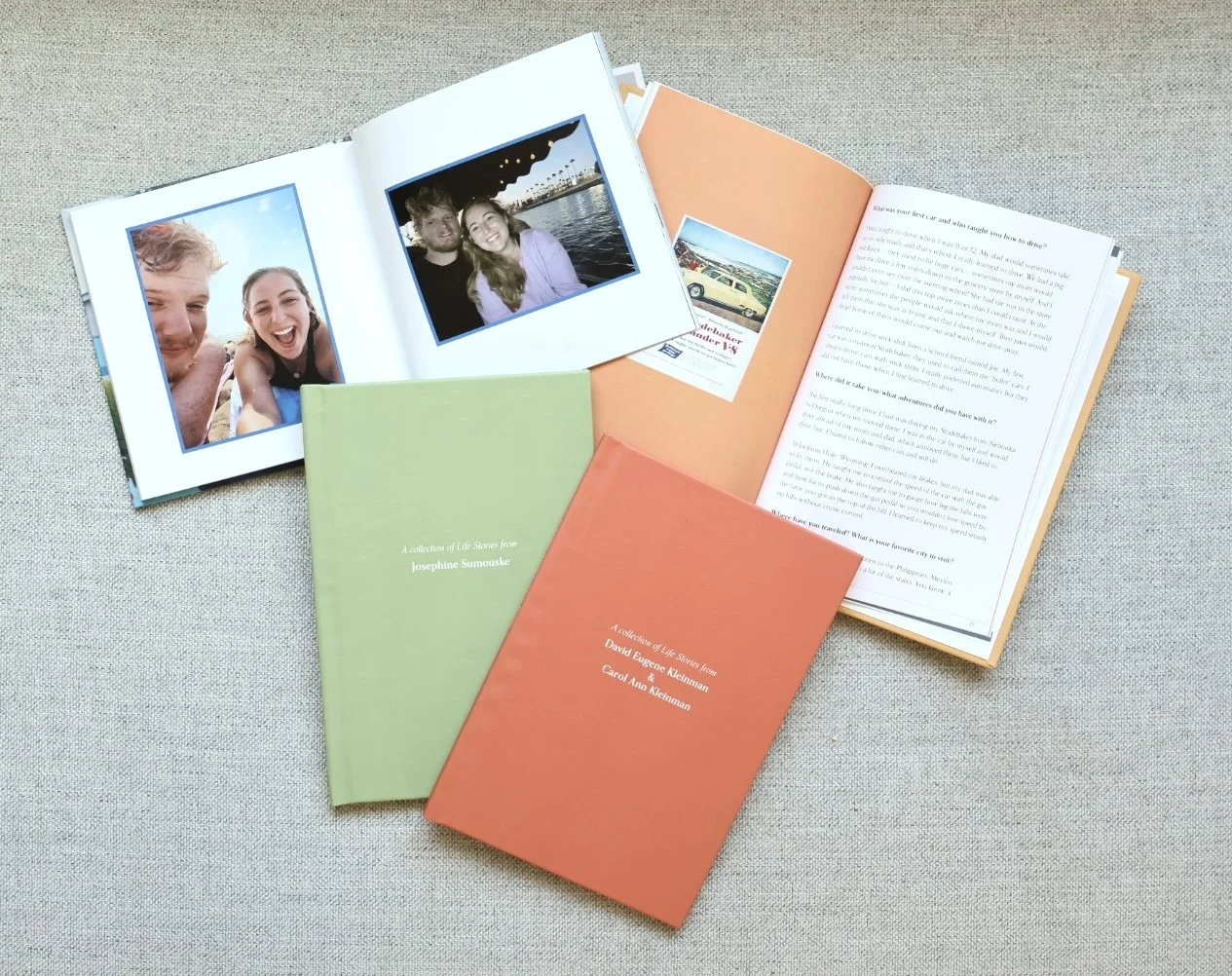
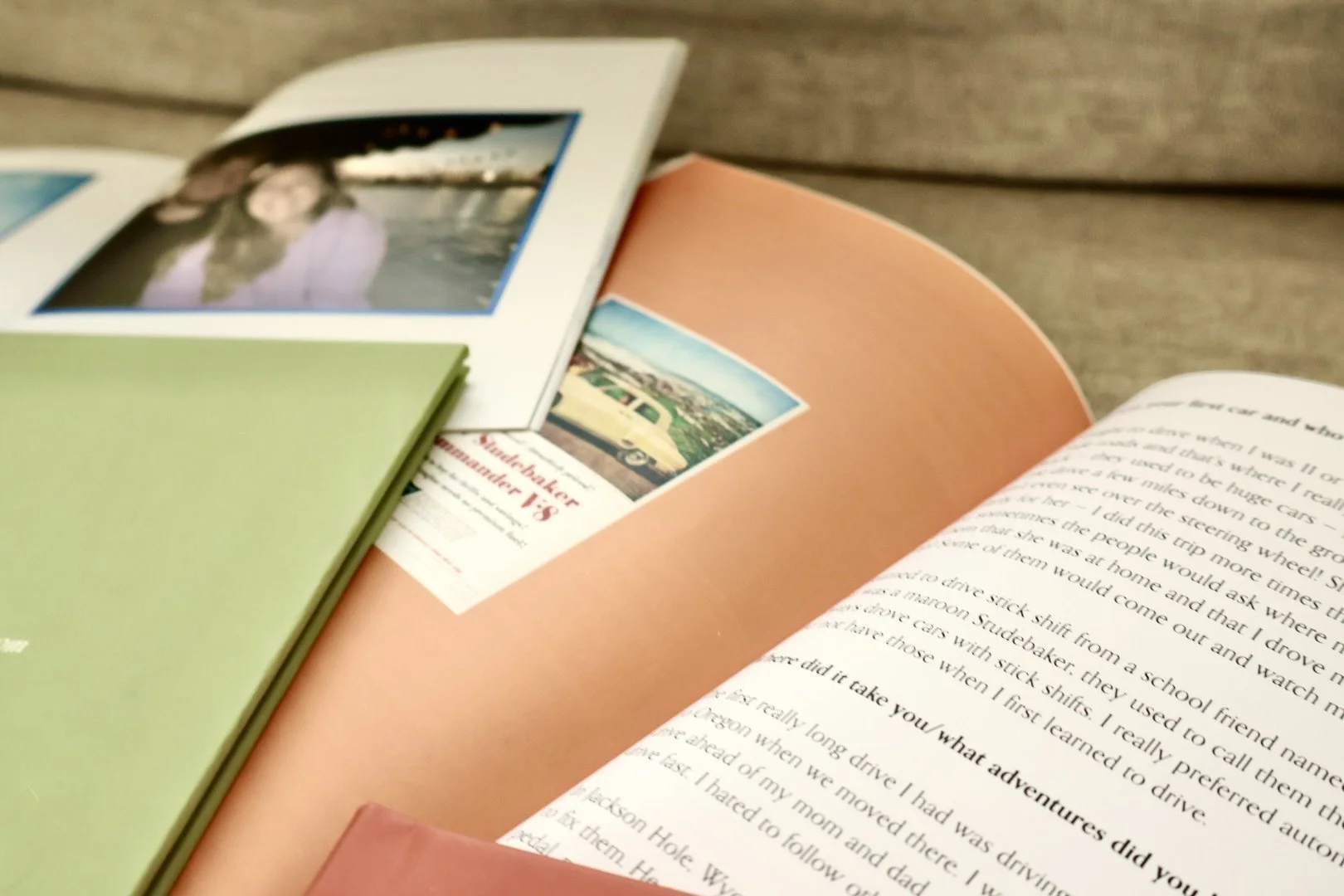
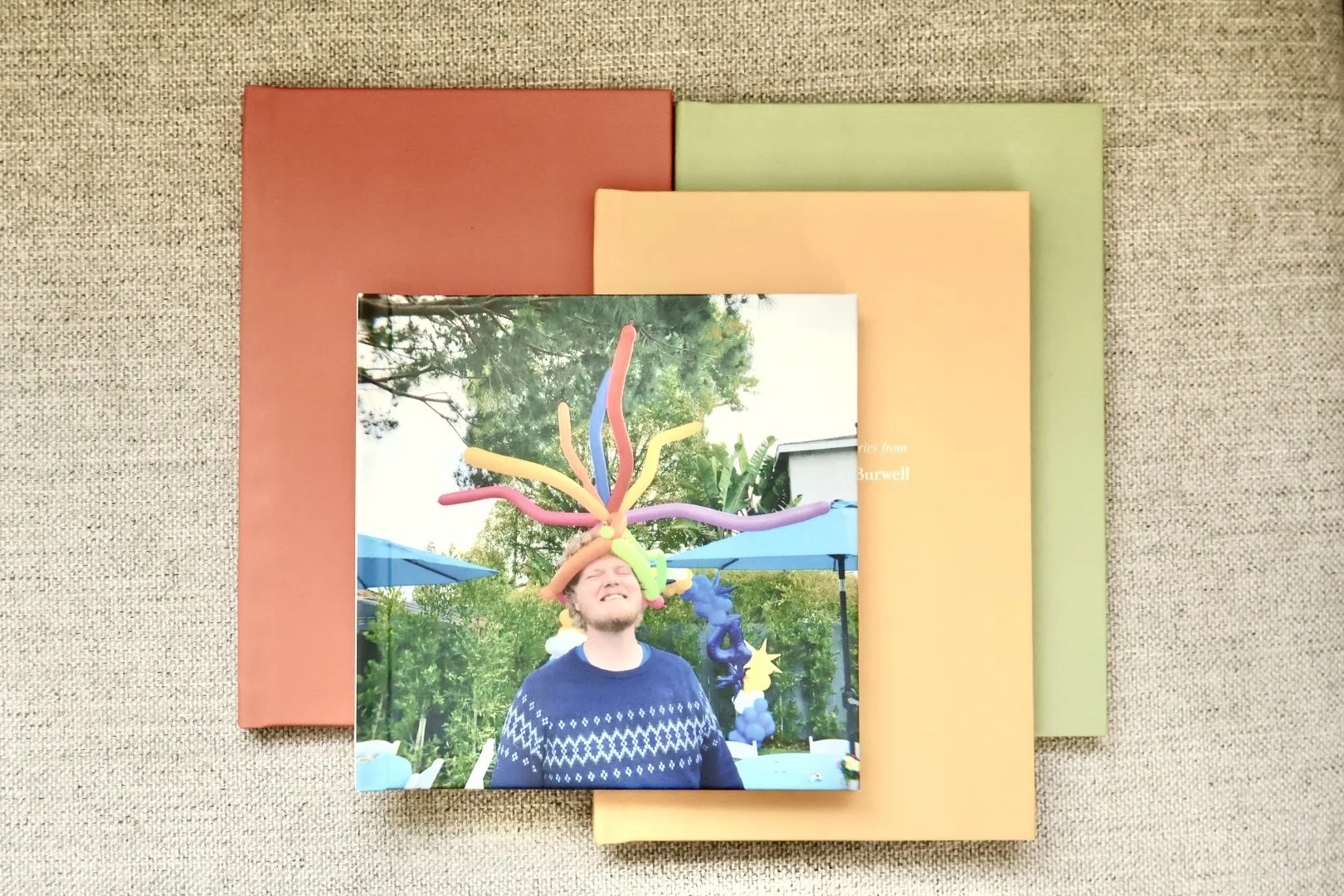
My history with Blurb:
I started using Blurb in high school, around the time I was learning how to design for newspaper and yearbook. At the time, this was extremely new to be able to do digital books like we see so many of now. As I became a graphic designer and Blurb continued to evolve, I loved that they had:
An InDesign plugin (so I could design with professional tools)
Desktop software you could download (option to use their online builder as well)
A focus on books, not just photo products, and the option to self-publish
Wide range of sizes and formats
I've probably made 30+ books with Blurb over the years. They've held up. The quality is excellent. And whenever I have a written book — like the grandparent interview books I'm designing — Blurb is my automatic choice.
What Blurb does well:
✅ Professional-level design tools (InDesign plugin, desktop software, precise control)
✅ Excellent quality (printing, binding, paper—feels professional)
✅ Size and format options (I really love their trade book size, and they also have a layflat option)
✅ Self-publishing option (create your own bookstore, share with family, they can order copies)
✅ Text + photo layouts (perfect for interview books, family histories, written content)
✅ Most creative control (from selecting size to paper types to layouts to cover options to removing the logo)
✅ Good quality for less $ (compared to Artifact Uprising)
What Blurb doesn't do well:
❌ A bit of a learning curve (downloading the Adobe plugin or using online or desktop software + understanding how to navigate the bookstore publishing)
❌ Online builder needs some work (a bit more clunky than Artifact Uprising, although you are able to create your own layouts)
❌ No various color fabric cover options and embossing
When I use Blurb:
The grandparent interview books (text-heavy layouts, professional quality, self-publishing option so families can order copies)
Any written book projects
When I want precise design control (I primarily use Adobe InDesign with the Blurb plug-in versus their downloadable software) – most photobook services do not allow you to customize your full page layouts
Special note: I used Kudoboard for my husband’s 30th birthday (a way for people to send in messages and pictures into a digital board with a printed book option) and noticed they used Blurb for the printed book.
When I DON'T use Blurb:
Regular photo documentation (primarily I use Blurb for books I need customized, making it too much work for annual family books)
Quick gift books
Real example: "For the grandparent interview books, I need:
Professional text formatting
Photo + text layouts that flow
High-quality printing
The ability to create a family bookstore so cousins, siblings, grandkids can all order their own copies
Blurb is the only platform that gives me all of that.
Who Blurb is for:
Designers who want professional tools
Legacy projects (family histories, interview books, memoirs)
When you need text + photo layouts
If you're comfortable with design software
Projects where quality and customization matter more than speed
Helpful links
Artifact Uprising (When Quality Justifies the Cost)
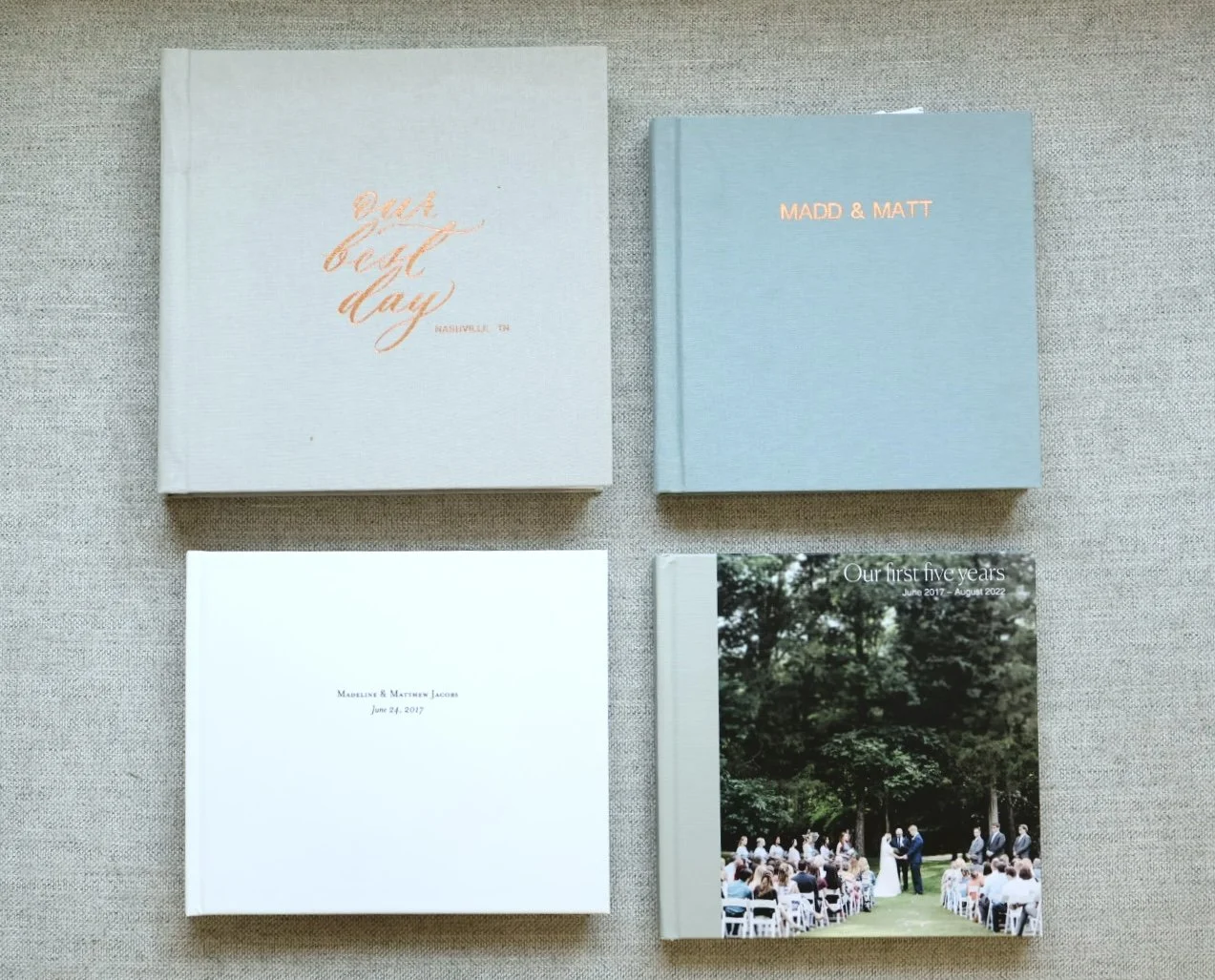
Why I use Artifact Uprising:
Artifact Uprising is more in the high quality, high price area. Let's just say that upfront. But when I want heirloom quality and I can justify the cost — for milestone projects that need to LAST — it's worth every penny.
I've used Artifact Uprising for:
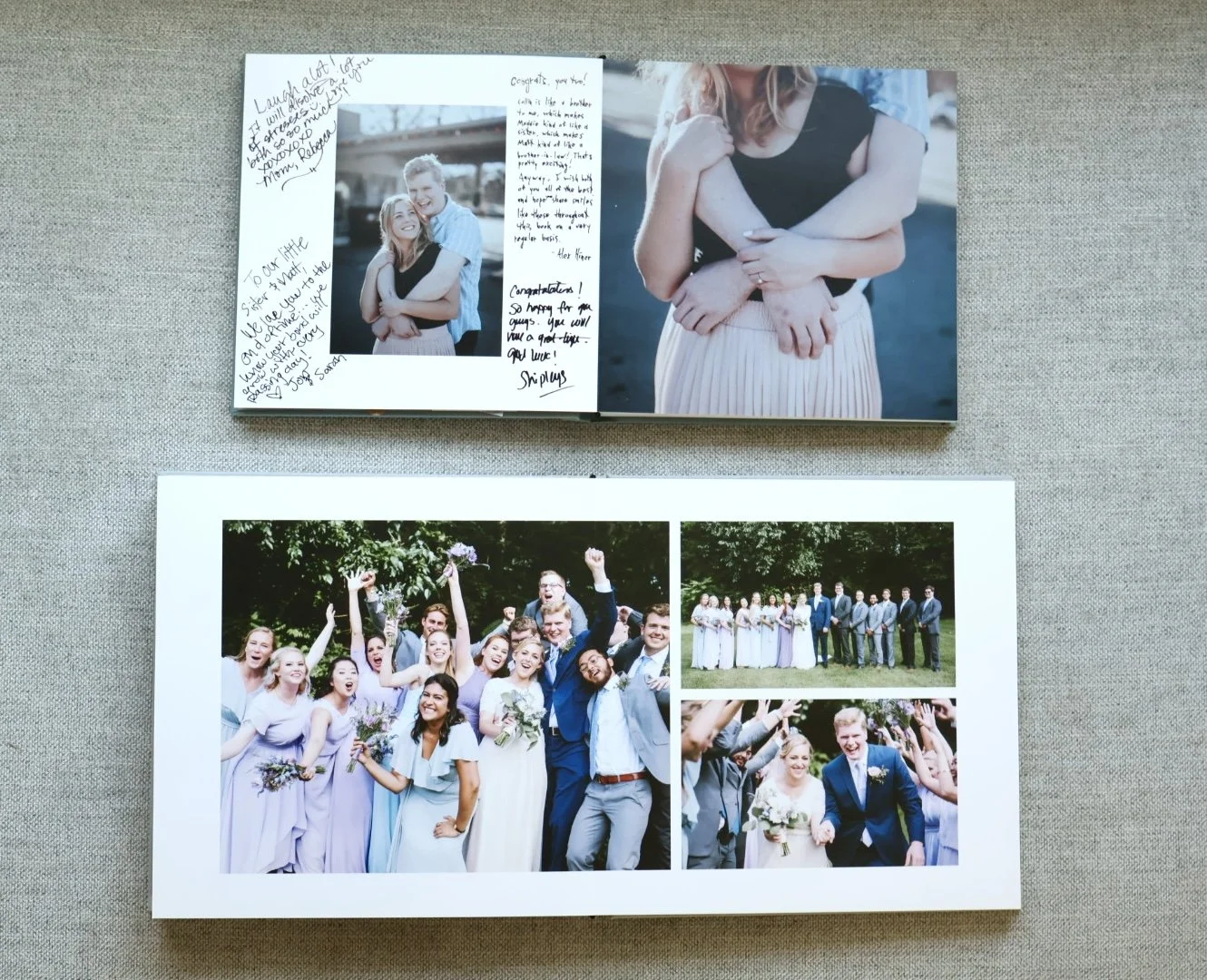
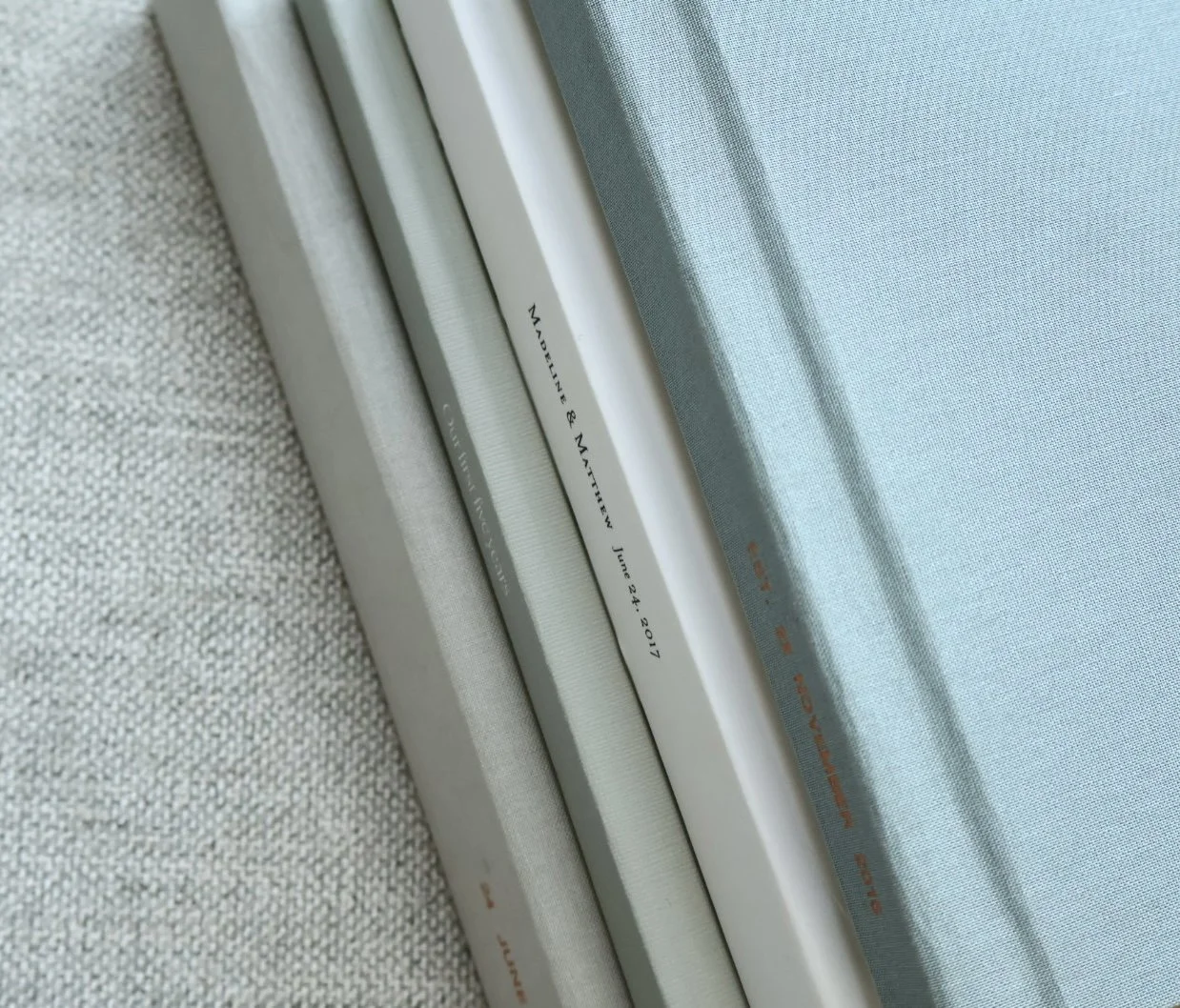
Our 5-year marriage book (before kids)
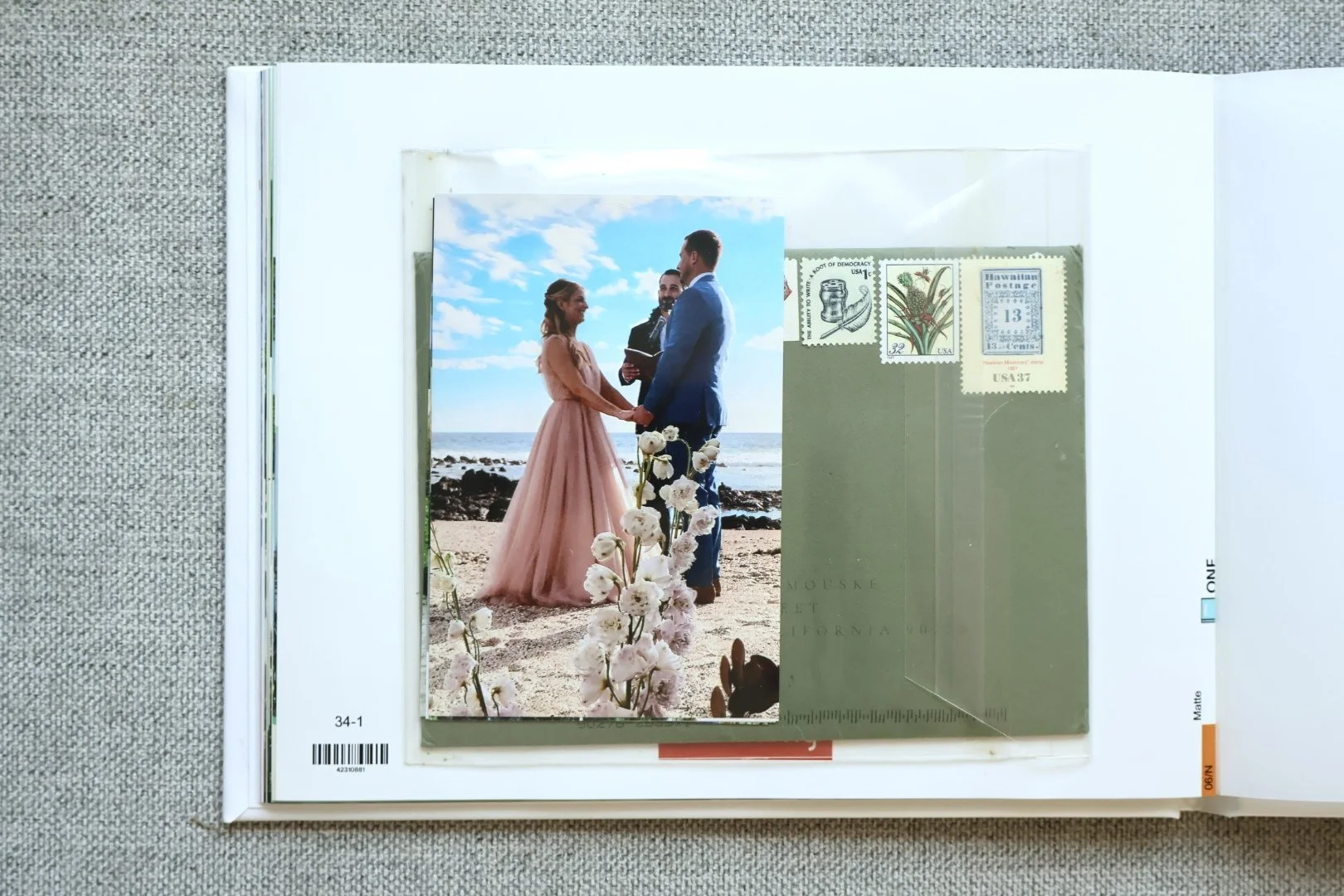
Our wedding book
Our wedding guest book
High quality photo presents (wedding gifts, frames in our home)
A board book of 'favorite people' for my daughter when she was born
And every single one of those products has had stunning quality. The simplicity is refreshing (not overwhelming like some platforms). And I know these books will last.
What Artifact Uprising does well:
✅ Heirloom quality (thick paper, sturdy binding, feels substantial)
✅ Beautiful aesthetic (clean, modern, not cluttered – option for fabric covers and foil stamping)
✅ Simplicity (not overwhelming with options — focused curation)
✅ High-quality board books (I got one for my daughter — held up beautifully)
✅ Offers design services (I haven’t personally used but know this could be so helpful for many busy parents!)
What Artifact Uprising doesn't do well:
❌ Steep cost ($40-80+ per book)
❌ Not for higher volume documentation (too expensive for large gift or monthly book orders)
❌ Limited customization (which is also a pro — keeps it simple)
When I use Artifact Uprising:
Milestone projects (wedding, anniversary, major life events)
When I want something that feels like an heirloom
Gifts that need to feel special
Legacy books I know I'll keep forever
Baby/toddler board books (somehow price comparable and cheaper than Shutterfly and Pinhole Press)
When I DON'T use Artifact Uprising:
Regular album documentation for my toddler (it’s not a book I want to invest in and then allow my toddler to likely hurt the pages)
Quick projects
When I need a lot of text or complex layouts
Real example: Our 5-year marriage book covers our relationship before kids. I spent a week curating 360 photos, 126 pages, then several hours designing the layout. The book cost $200 (plus tax and shipping).
When I received it and looked through it I started tearing up because wow — how crazy how much we’ve been through together, and to see it all in this book was incredible. My husband loved it too.
That's worth $200.
Who Artifact Uprising is for:
Milestone projects (not everyday documentation)
When you want heirloom quality
Gifts that need to impress
If you value simplicity over endless options
When cost isn't the primary concern
When you need a “done-for-you” service
Helpful links
Chatbooks (My Current Go-To for Volume)
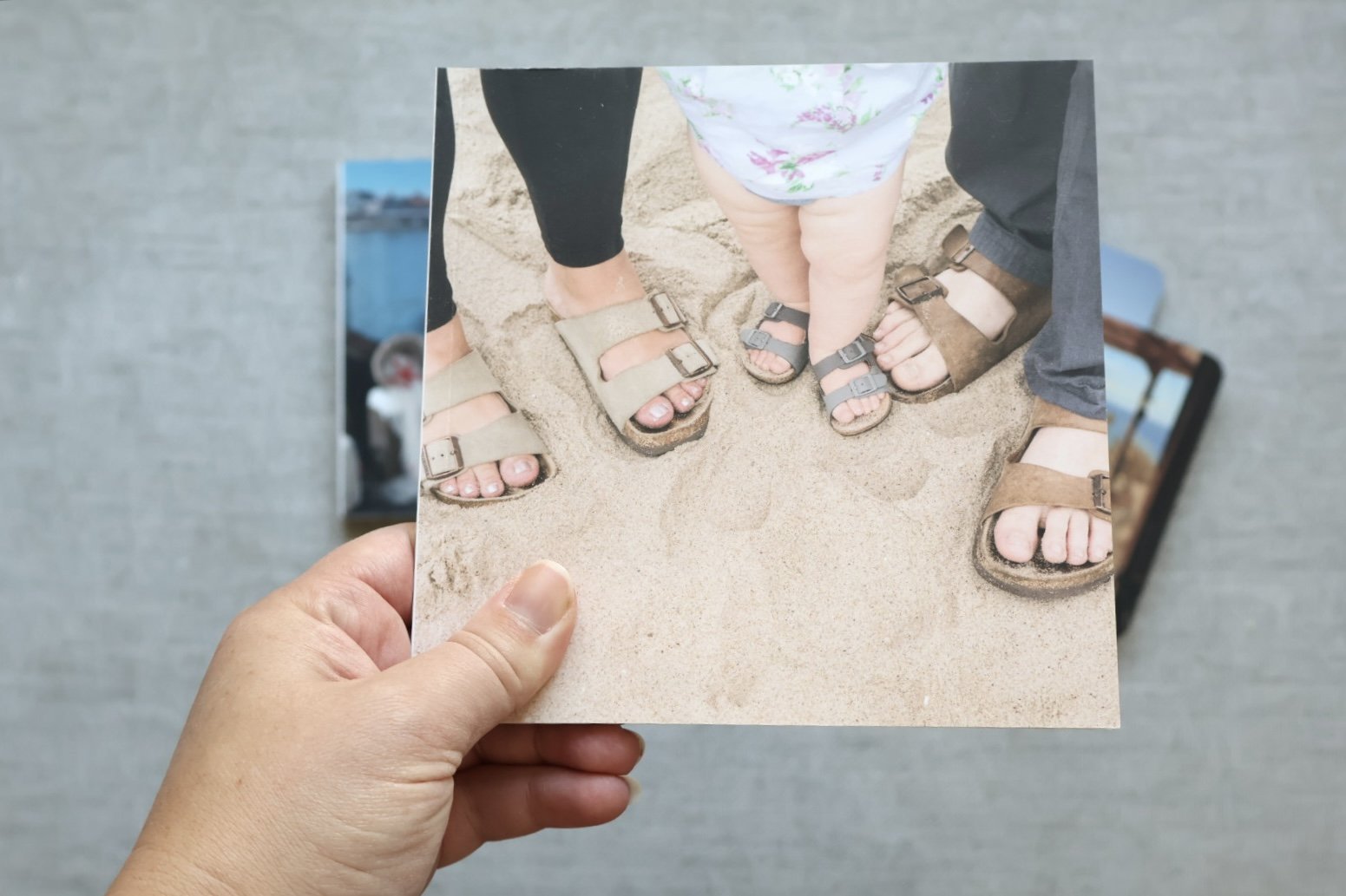
Why Chatbooks changed my system:
Before my daughter was born, and as a memory-keeper “over achiever” (aka perhaps doing too much – I’m working on it!) I knew I needed some kind of system for all the photos I would be taking, and a way for her to access them. In came Chatbooks.
Chatbooks made it so easy. And that's exactly what I needed.
What Chatbooks does well:
✅ Instagram integration (when my daughter was a baby, I posted to a private Instagram, it auto-created books — GAME CHANGER)
✅ Subscription program (monthly books created automatically from your favorites)
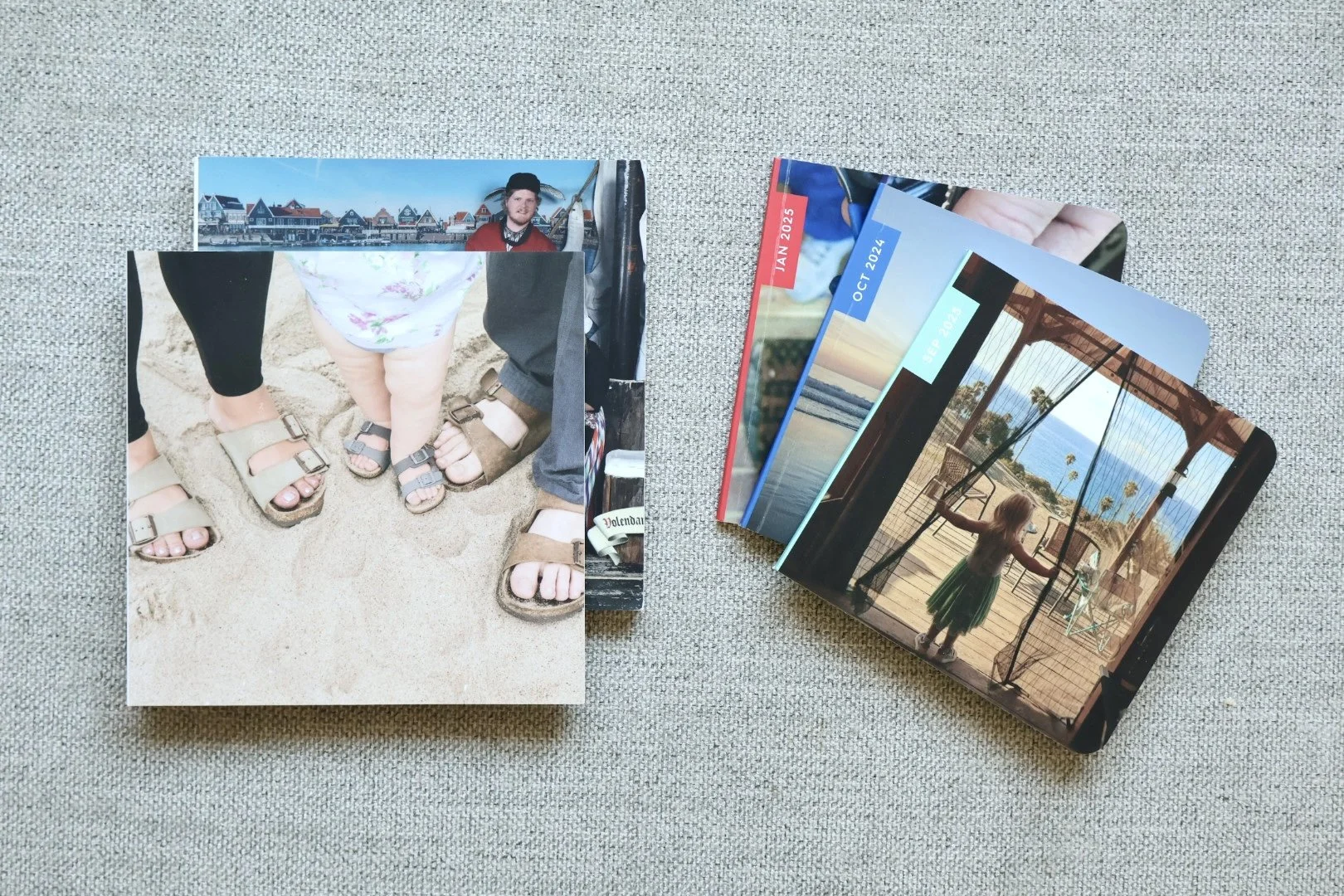
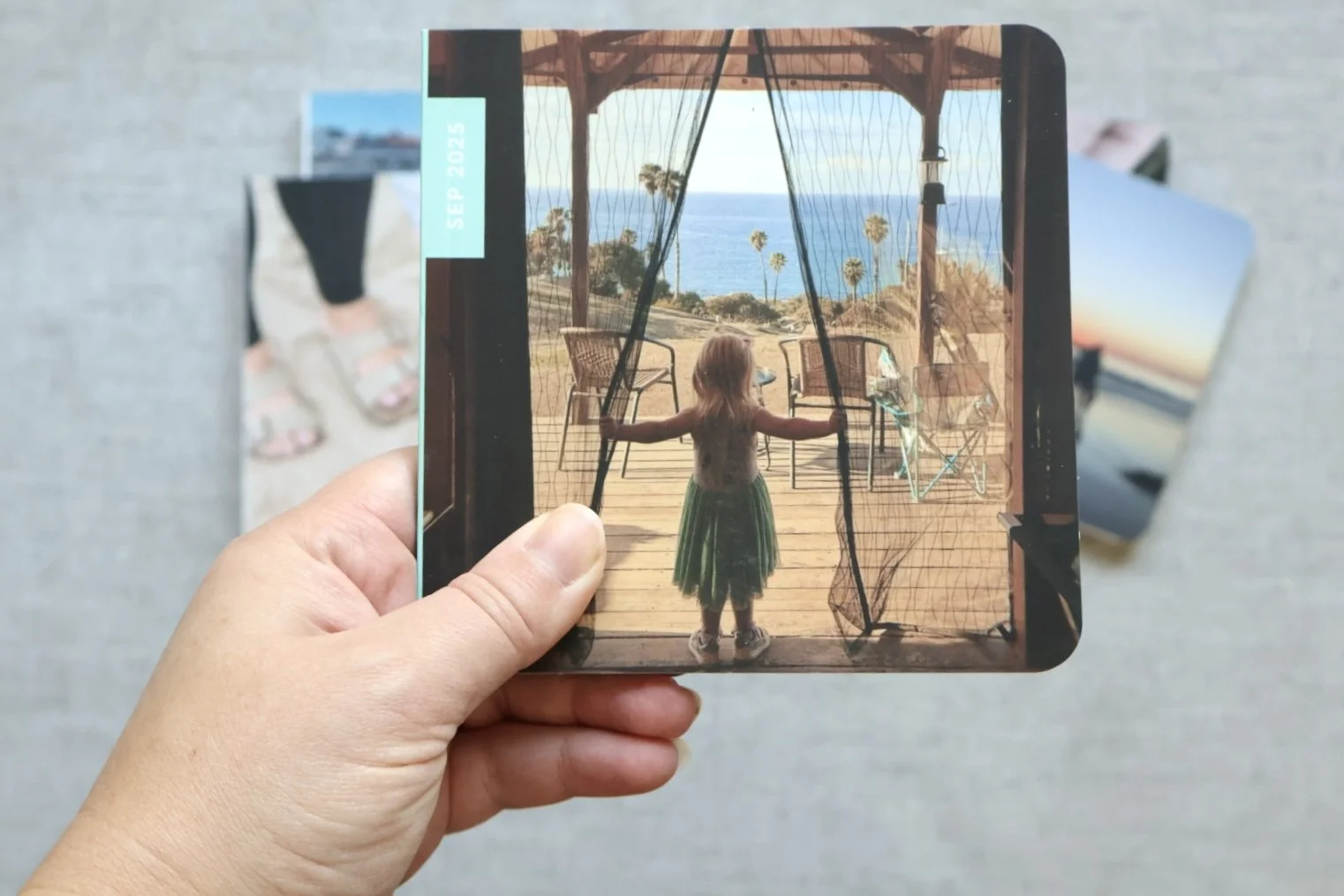
✅ Square mini books (feel like my daughter's size, easy for her to hold)
✅ Limitations are actually helpful (less overthinking, just pick favorites and move on)
✅ Fast and affordable (I can actually keep up with documentation)
✅ Built for the phone app (very easy to use directly from your phone, but coordinates with desktop if needed)
What Chatbooks doesn't do well:
❌ Limited customization (which is also the point)
❌ Not heirloom quality (good quality, but not Artifact Uprising)
❌ Basic layouts (no fancy design options)
My workarounds for limitations: Because I'm a designer, I've found ways to work around some limitations:
I create cover designs in Canva and upload them to Chatbooks as a photo
I create text pages in Canva (monthly highlights, year summaries) and add as images
This gives me just enough customization without making it overwhelming
When I use Chatbooks:
My daughter's photo books, including our travles (I used to do monthly, now adjusting — however, I like that they’re all the same size, and I don’t care if she ruins them because I can easily re-order at a relatively low price point)
Quick documentation projects
When I just need to get it done
Gift books that don't need to be fancy
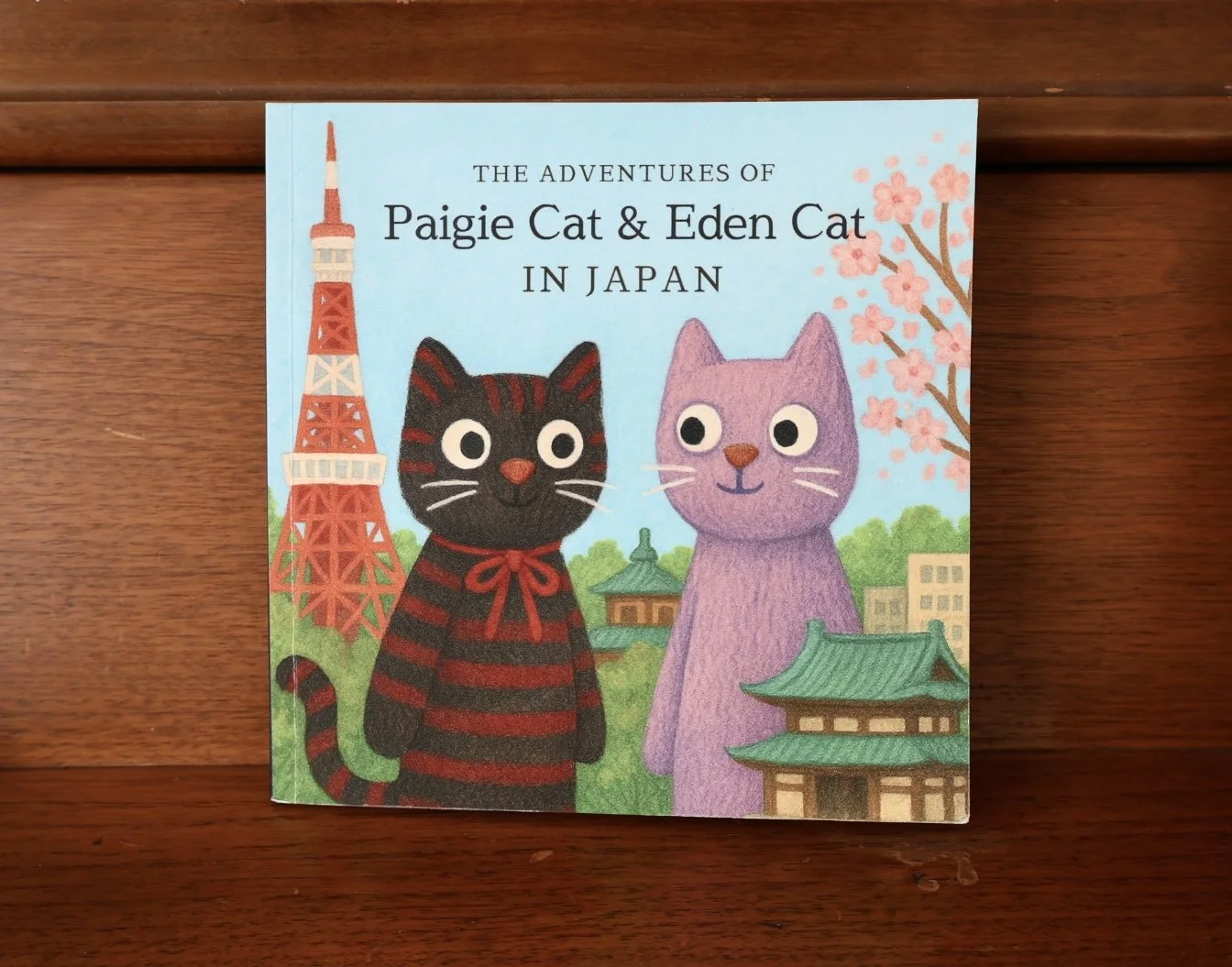
Fun creative projects (like the E cat & P cat adventure book!)
Real example: The E Cat & P Cat Adventure
One of my favorite recent Chatbooks projects: In Japan, we bought my daughter and her best friend a 'cat' (sock clips that looked like cats). We took photos of E cat and P cat throughout the entire trip.
When we got home, I made a Chatbook chronicling their adventures. I used AI to create a custom cover. It was such a hit—both girls loved it, and it told the story of our trip in a way a regular photo book wouldn't have.
Cost: $30. Time: 1 hour. Value: Priceless."
Who Chatbooks is for:
Parents who are behind on photo books
If you're a perfectionist who never finishes projects
When you need volume (multiple books per year)
If you want something FAST
Instagram users (the integration is magic)
When "done" is better than "perfect"
Helpful links
Discount code for $10 off
Monthly minis (what I used for my daughter after I stopped posting on the private Instagram)
Monthly books (has Instagram integration option)
Shutterfly (Not My Style, But Hear Me Out)
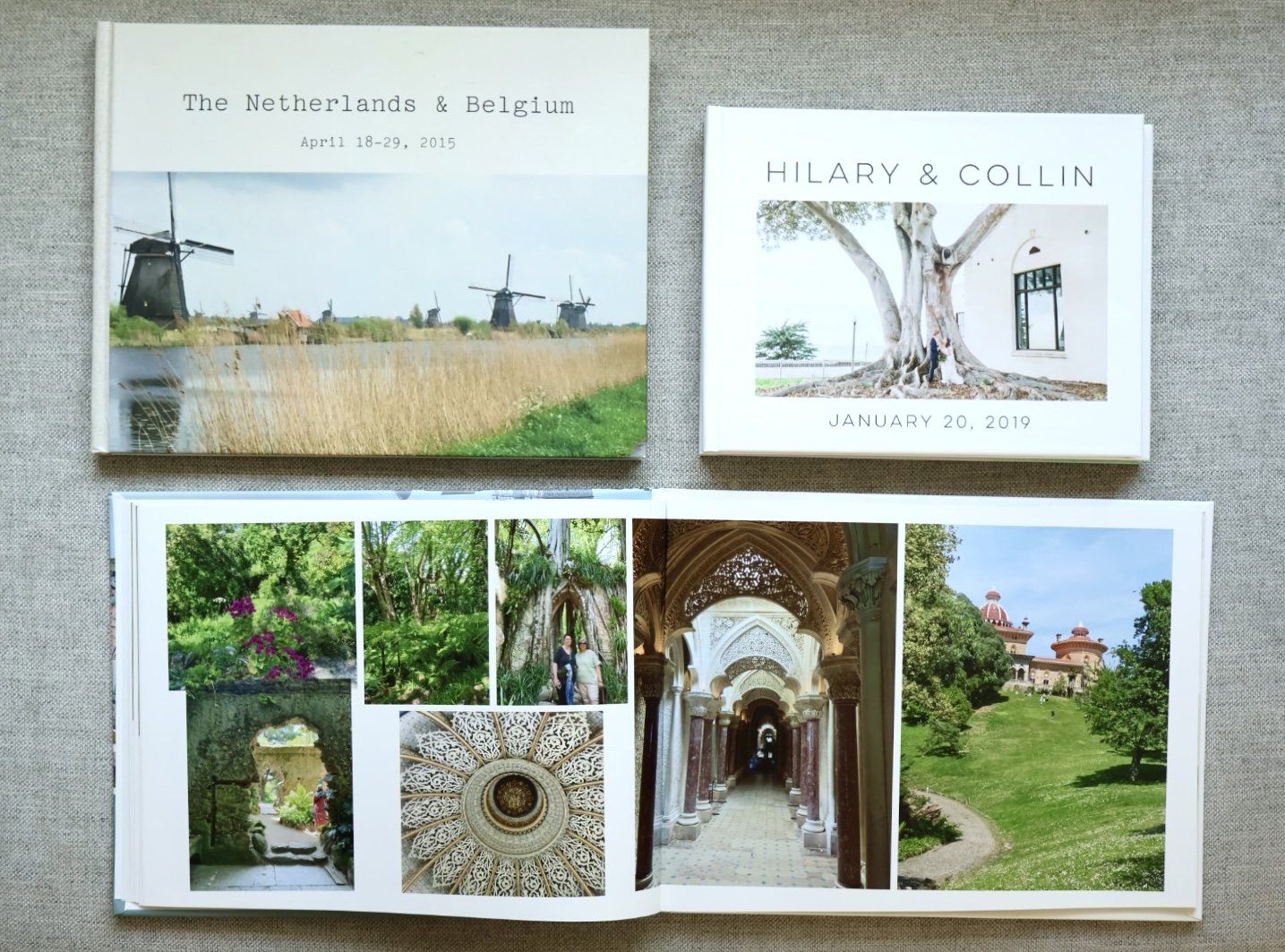
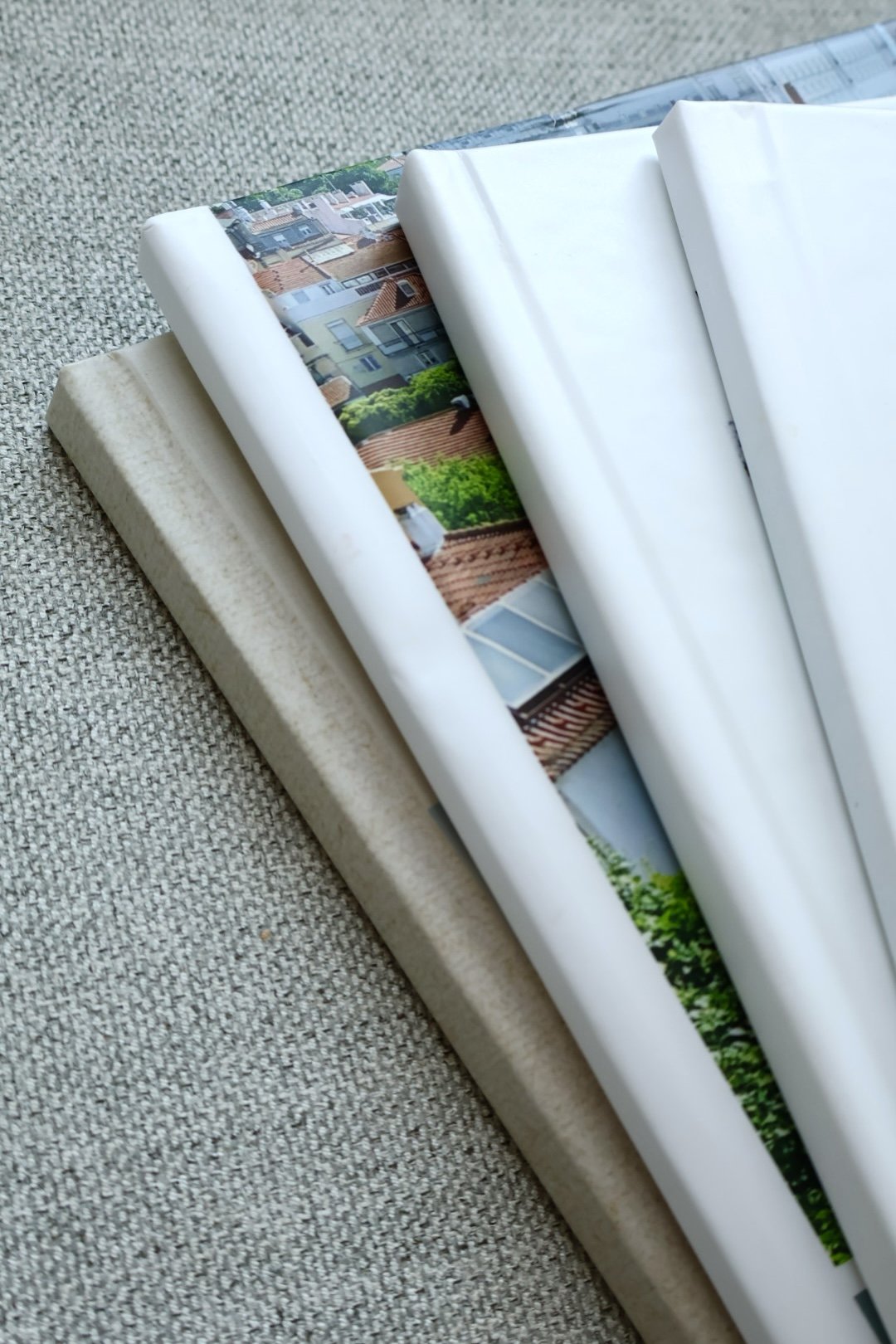
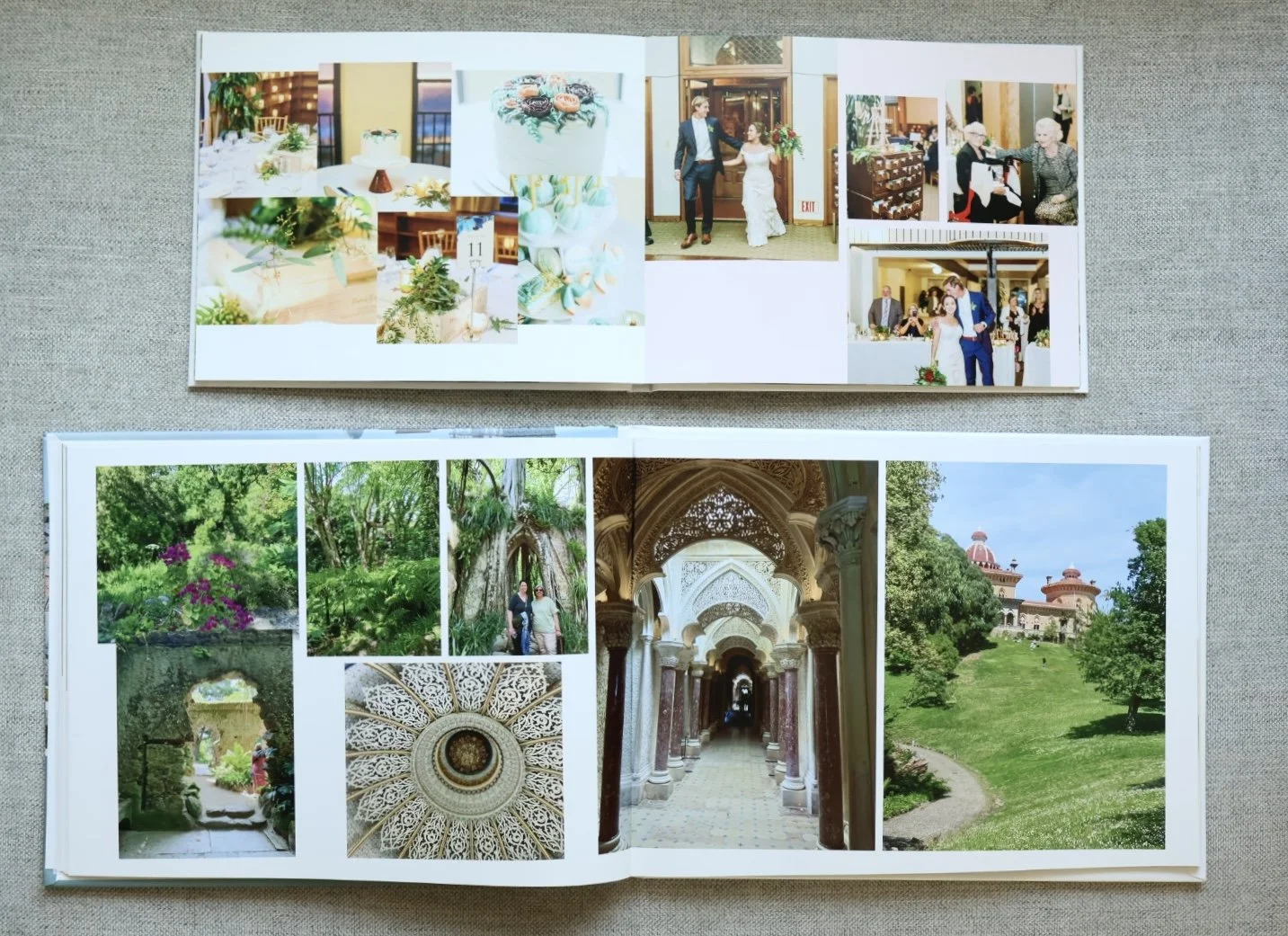
My honest take on Shutterfly:
I'm going to be real: Shutterfly isn't my style. At least when it comes to photobooks.
When it first came out, it felt cheap to me in terms of design. It had that scrapbook aesthetic — lots of stickers, borders, tacky sayings, busy backgrounds. As a designer who values simplicity, it made me cringe.
In my personal opinion: when you start adding borders to images and busy backgrounds, it can too easily take away from the memory. It feels cluttered.
But here's the thing: my mom loves Shutterfly.
And my mom is not great with technology. So if she can navigate it and create books she's proud of, that says something.
Also, the quality is actually pretty nice. And they have frequent sales. And they've added more modern design templates over the years. My caution would be: be careful to overdue it.
What Shutterfly does well:
✅ Easy for non-designers (my mom can use it)
✅ Frequent sales (40-50% off constantly)
✅ Modern design options (they've improved a lot)
✅ Good quality (better than I expected)
✅ More than just books (ornaments, calendars, all things photo)
✅ Great for gifts (affordable + presentable)
✅ Offers design services (I haven’t personally used but know this could be so helpful for many busy parents!)
What Shutterfly doesn't do well:
❌ Too many options (can be overwhelming)
❌ Cluttered aesthetic (if you don't curate carefully)
❌ Temptation to over-design (borders, backgrounds, stickers — just because you can doesn't mean you should)
When I use Shutterfly:
Custom ornaments at Christmas (they do this really well)
When I'm gifting a book and want affordable + nice quality
If someone asks me for a recommendation and they're not designers (it's user-friendly)
When I DON'T use Shutterfly:
My own photo books (not my aesthetic)
When I want clean, simple design
Professional projects
Who Shutterfly is for:
People who aren't designers (user-friendly interface)
Budget-conscious (wait for sales)
If you like lots of creative options
Gift books
Non-book photo products (ornaments, calendars, mugs)
Designer's tip: If you use Shutterfly, keep it simple. Don't use every option they give you. As a graphic designer, when I created layouts, the rule was to always put the content first. Then, once the layout was truly set the way it needed to be to tell the story, the background colors, and other additional elements were like accessories that should enhance the story, not take away from it.
So pick a clean template, skip or at least be intentional about the borders and backgrounds, and let the photos speak for themselves.
Helpful links:
My Actual System
After 15 years of making photo books, here’s what I’ve stopped trying to do: find the single “best” platform.
The best platform is the one that matches the job you’re asking the book to do.
If I’m documenting real life and I want a stack of books my daughter can flip through without me stressing about it, I choose Chatbooks — because it’s fast, consistent, and built for volume (and the pricing stays predictable as you add pages).
If I’m making something more intentional — a written story, an interview book, a legacy project, anything where layout and typography matter — I go back to Blurb. It’s the most “designer” of the four, and it gives me real control.
If it’s a milestone book I want to keep forever (and I want it to feel like a true keepsake), I choose Artifact Uprising — simple, elevated, and heirloom-level quality.
And if I’m recommending a platform to someone who isn’t a designer, or I’m making a gift and want lots of template options, Shutterfly is the most accessible — just keep your design choices clean and let the photos do the talking.
Quick Decision Guide
← Scroll to see all details →
| Platform | Best for | Effort | Design control | "Heirloom" feel | Base pages | Base price | Add'l page cost |
|---|---|---|---|---|---|---|---|
| Chatbooks (Classic) |
Annual/monthly family books, kid books, travel recap books | Low | Low | Medium | 20 | 8×8: $25 softcover / $35 hardcover | 8×8: +$0.60/page (softcover + hardcover) |
| Blurb (Photo Books) |
Legacy projects, text + photo, designer layouts | Med | High | High | 20 minimum | Softcover from $12 / Imagewrap hardcover from $32 | Softcover: +$0.31/page / Imagewrap hardcover: +$0.26/page |
| Artifact Uprising (Photo Books) |
Milestones, keepsakes, elevated gifts | Med | Med | Very high | Softcover: 30 / Hardcover min: 40 | Softcover starting at $19 / Hardcover $59 | Softcover: $1.10/page (8.5×8.5) / Hardcover: $1.50/page (8.5×8.5) |
| Shutterfly (standard pages) |
Non-designers, gifting, lots of templates/themes | Low | Med | Medium | 20 | 8×8: $24.98 softcover / $39.98 hardcover | +$2.74 per page |
Prices current as of March 2025. Watch for Shutterfly sales (often 50% off).
Extra note I always tell people about Shutterfly: they run frequent discounts (often ~40% off), so if budget is the deciding factor, it’s worth timing your order — but I wanted the chart above to reflect the “normal” pricing so you can compare fairly.
One last helpful option: if you want a beautiful book but you don’t want to spend your nights designing layouts, both Shutterfly and Artifact Uprising offer services where someone else designs the book for you. That’s not “cheating.” That’s choosing the version that actually gets finished.
Ready to Make Your First Photo Book?
My challenge to you: Pick a platform and start one book this month.
If you're overwhelmed and behind on photo books: Start with Chatbooks. It's the fastest way to get photos off your phone and into your hands.
If you're making something special: Splurge on Artifact Uprising. You won't regret the quality.
If you're a designer or want full control: Try Blurb. The learning curve is worth it.
If you're on a budget: Wait for a Shutterfly sale and make it happen for $20-25.
Questions about which platform to choose? Leave a comment below—I'd love to help!

My mom, Donna, on scrapbooking, memory-keeping, and what she's learned helping clean out the homes of people who've passed. Episode 10 of Postcards for Posterity.